Save Web Content to Notion in One Click
Transform how you collect and organize web content. Save articles, text snippets, and research directly to your Notion workspace - seamlessly and instantly.
 Add to Chrome - It's Free
Works with Chrome browser
Transform how you collect and organize web content. Save articles, text snippets, and research directly to your Notion workspace - seamlessly and instantly.

Save any web content to Notion with just one click. No more copy-pasting or switching between tabs.

Choose which Notion database to save to. Organize your content exactly how you want it.

Your data is safe. We use official Notion API and never store your personal information.
Seamlessly save and organize web content in your Notion workspace
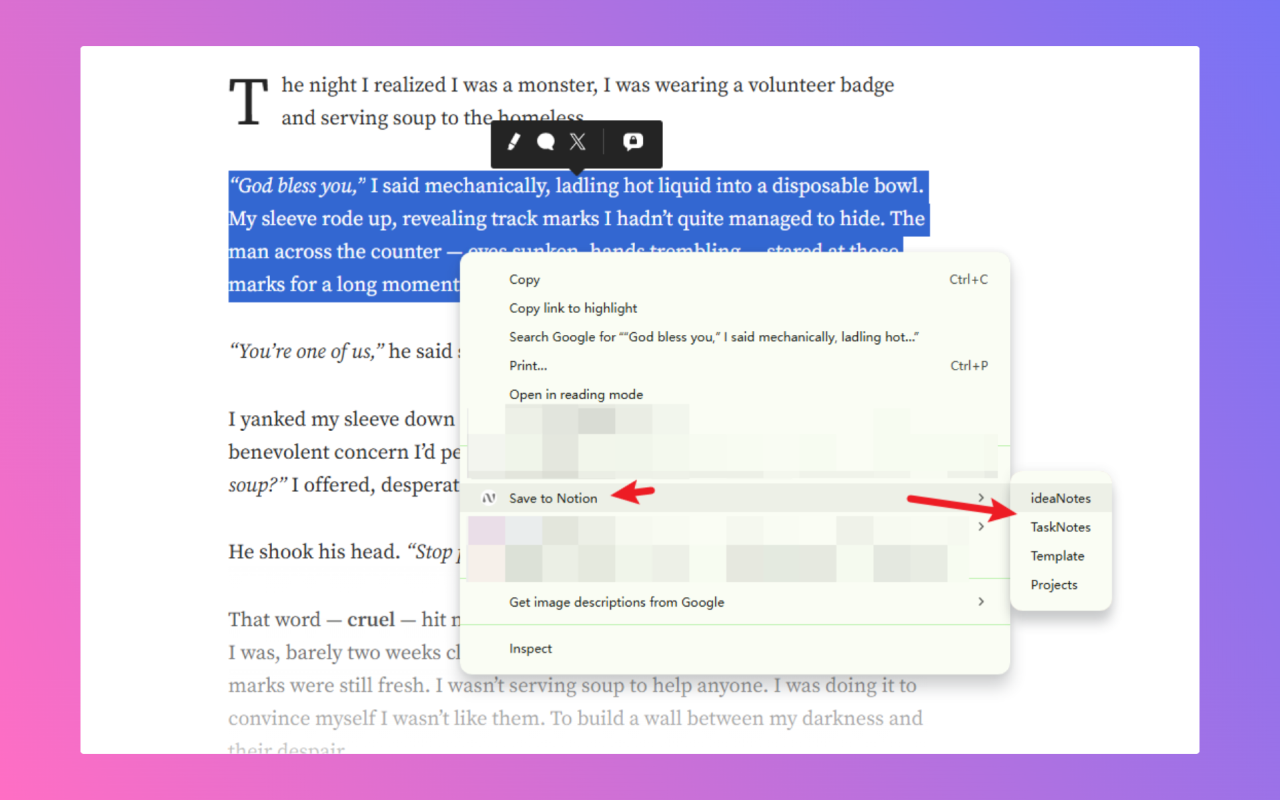

Select any content on the web page and right-click to save it directly to your chosen Notion database.

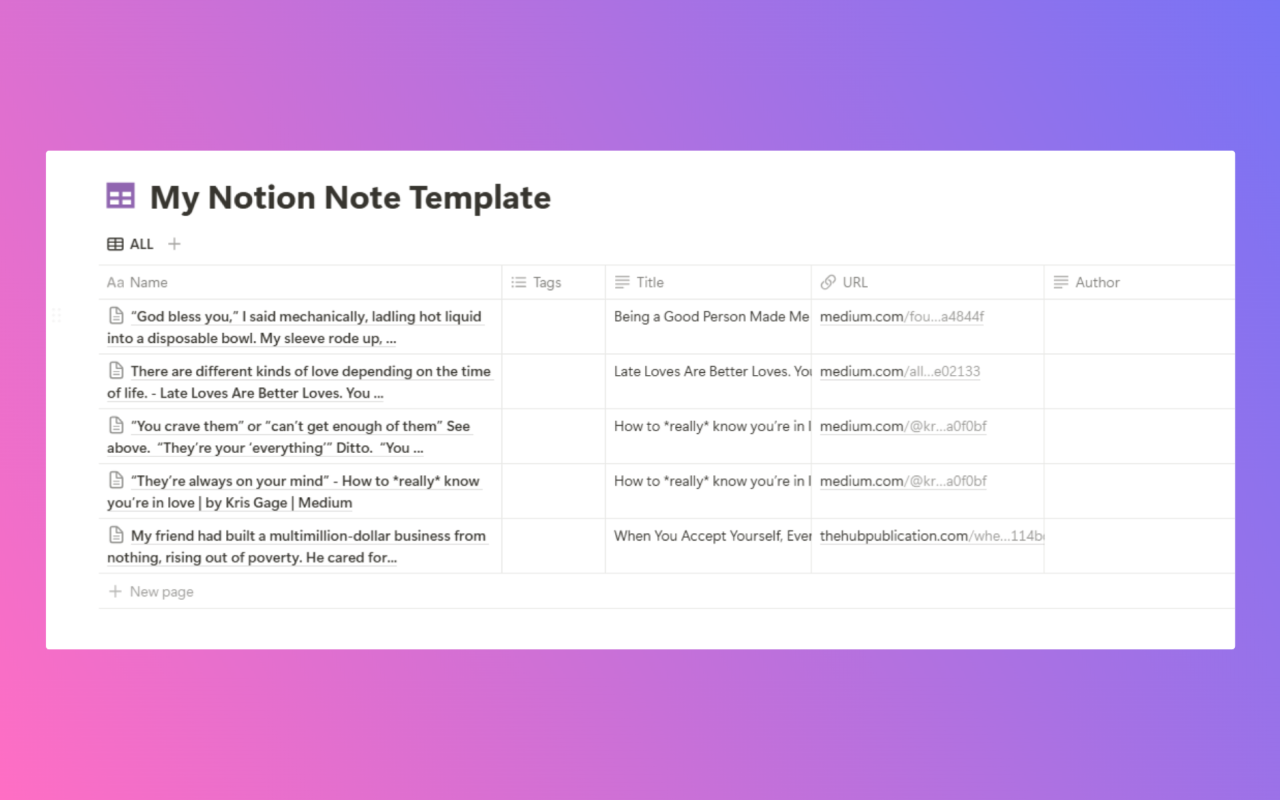
Content is automatically organized with source URL, title, and custom properties in your Notion database.

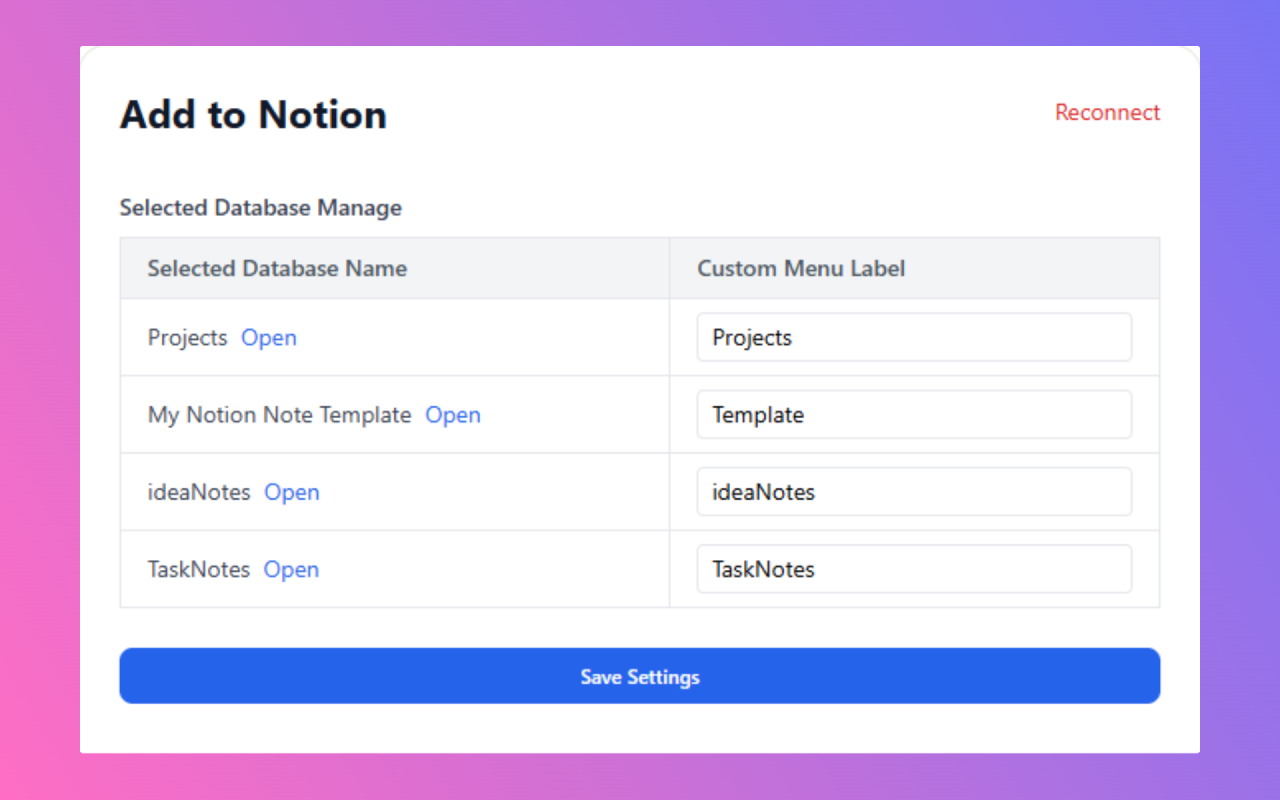
Configure your preferred Notion database and customize how content is saved to match your workflow.
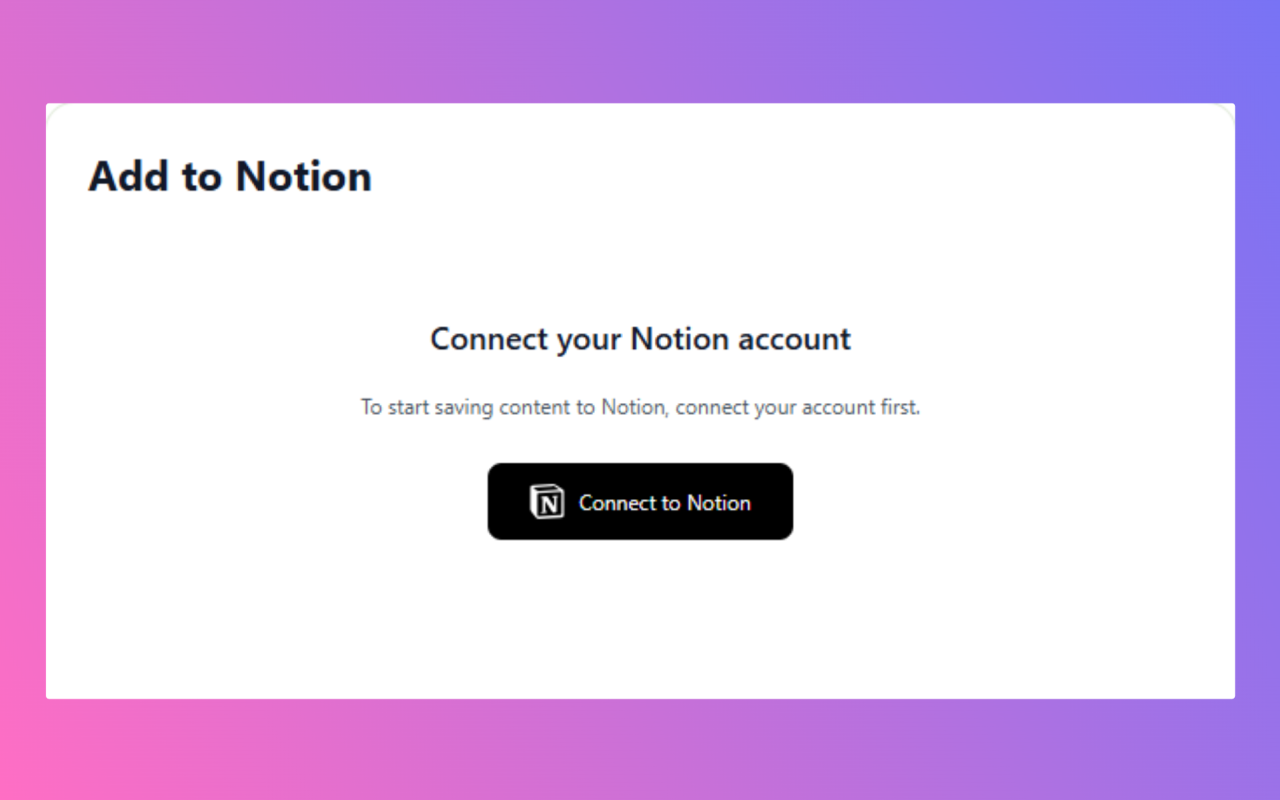
Add the extension to Chrome and connect your Notion account
Highlight any text on a webpage you want to save, Or directly save the page title and url
Right-click and select where to save in your Notion workspace
Join thousands of users who are already saving time and staying organized with Add to Notion.
 Install Free Extension